
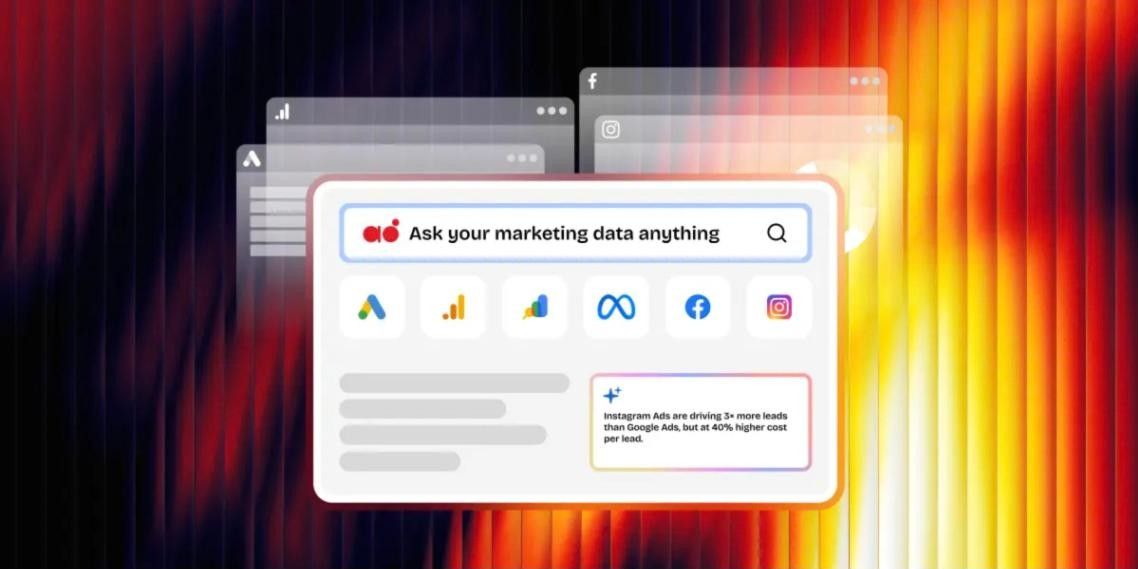
- For most freelancers and small teams on a Google-heavy stack, GA4 plus Looker Studio is the strongest free starting point, and DashThis is the fastest paid path to clean, shareable dashboards.
- For agencies scaling a client roster, AgencyAnalytics and Whatagraph lead on white-label reporting, while Swydo wins on per-source economics for focused paid and social work.
- The 2026 shift is toward conversational analytics and cross-channel reporting. If you want to ask your data questions in plain language and see every channel in one place, Analyse8 is built specifically for that.
- Pricing models matter more than sticker price. Per-client, per-dashboard, and per-source billing scale very differently. Always do the math at your real account count before you commit.
Marketing data has never been easier to collect and never been harder to trust. Your ad platforms each report their own numbers, your analytics tool tells a third story, and by the time you have stitched it all together in a spreadsheet, the campaign has already moved on.
The platforms below exist to fix that. Some are built to automate reports. Some are built to pipe raw data into a warehouse. A newer group is built to let you ask questions in plain language and get answers you can actually rely on. This guide covers all three types, with honest pros, cons, pricing, features, and a clear “best for” so you can match a tool to how you actually work.
What changed in 2026 (and why it matters for your choice)
Two shifts should shape which tool you pick this year, before we get to the list.
Conversational analytics moved from a nice-to-have to the main event
Conversational analytics means asking your marketing data a question in plain language, “which channel drove the most signups last month,” and getting a real answer back, instead of building a dashboard and reading it yourself. In 2026 this went mainstream. Google added Gemini-powered assistants inside GA4 and Google Ads, and several reporting tools bolted on AI summaries.
The gap now is between tools that generate a canned summary you cannot question further, and tools you can actually interrogate the way you would ask a colleague. For anyone without a data team, conversational analytics is the difference between waiting for someone to build a report and just getting the answer.
Attribution got messier, and first-party data became the foundation
Between privacy changes, cookie loss, and walled gardens that do not share user-level data, the numbers across your platforms rarely agree. Meta claims one conversion count, Google Ads another, GA4 a third. Tools that bring every channel into one consistent view, so you are comparing like with like, are worth more than tools that simply pipe each platform’s raw number through untouched.
At the same time, the reliable path now runs through your own connected accounts and clean, validated pipelines rather than third-party tracking. That puts a premium on how well a platform ingests and aligns your data, not just how pretty the final chart looks.
How to choose a marketing analytics platform
Before you shortlist anything, answer these five questions. They matter more than any feature list.
1. Who is doing the analysis, and how technical are they?
If a non-technical owner or account manager is building reports between other work, prioritize speed and ease of use. If you have someone comfortable in a data warehouse, a more powerful pipeline tool becomes worth the setup cost.
2. Which channels do you actually run?
Most tools cover the essentials: Google Ads, Meta Ads, GA4, Search Console, Instagram, Facebook. If you rely on a niche platform, confirm native support before you commit, because CSV workarounds add manual work every cycle.
3. How does the pricing scale?
This is the one most people get wrong. The common billing models each have a very different growth curve:
- Per client: a flat rate for each account you report on, whatever the channel count. Predictable as you grow, but you pay the same for a dormant client as an active one.
- Per dashboard: you pay for the number of dashboards you build. Predictable, but tier breakpoints mean you can end up paying for capacity you are not using.
- Per data source: you pay for each connected account. Fair when channel counts are low and stable, but it compounds fast as you add clients or run short campaigns.
- Per destination: used by pipeline tools. Sending the same data to two places can mean paying twice.
- Flat tier or credit-based: a set monthly price with usage limits. Simple to forecast if your usage sits comfortably inside the cap.
4. Do you need white-label or shareable reports?
If you send reports to clients or stakeholders, decide whether you need full white-label (your branding, your domain) or just a clean shareable link and PDF. White-label is usually gated to higher tiers, so price it in early.
5. Do you need reporting, deep analysis, or both?
Reporting-first tools deliver scheduled dashboards. Analysis-first tools help you dig into why a number moved. Conversational tools increasingly bridge the two for people who do not want to build a dashboard just to answer one question.
The 10 best marketing analytics platforms for 2026
Here is the shortlist at a glance, before the deep dives.
- AgencyAnalytics
Best for agencies scaling white-label client reporting plus SEO - DashThis
Best for fast, no-fuss dashboards for freelancers and small teams - Analyse8
Best for plain-language conversational marketing analytics and cross-channel reporting without a data team - Whatagraph
Best for visually polished multi-channel reports with bigger budgets - Swydo
Best per-source value for focused paid and social work - Databox
Best for KPI and goal tracking alongside marketing data - Google Looker Studio
Best free custom dashboards for a Google-heavy stack - Google Analytics 4 (GA4)
Best free foundational web and app analytics - Supermetrics
Best data pipeline for spreadsheet and BI users - Improvado
Best for larger operations that have outgrown the rest
1. AgencyAnalytics
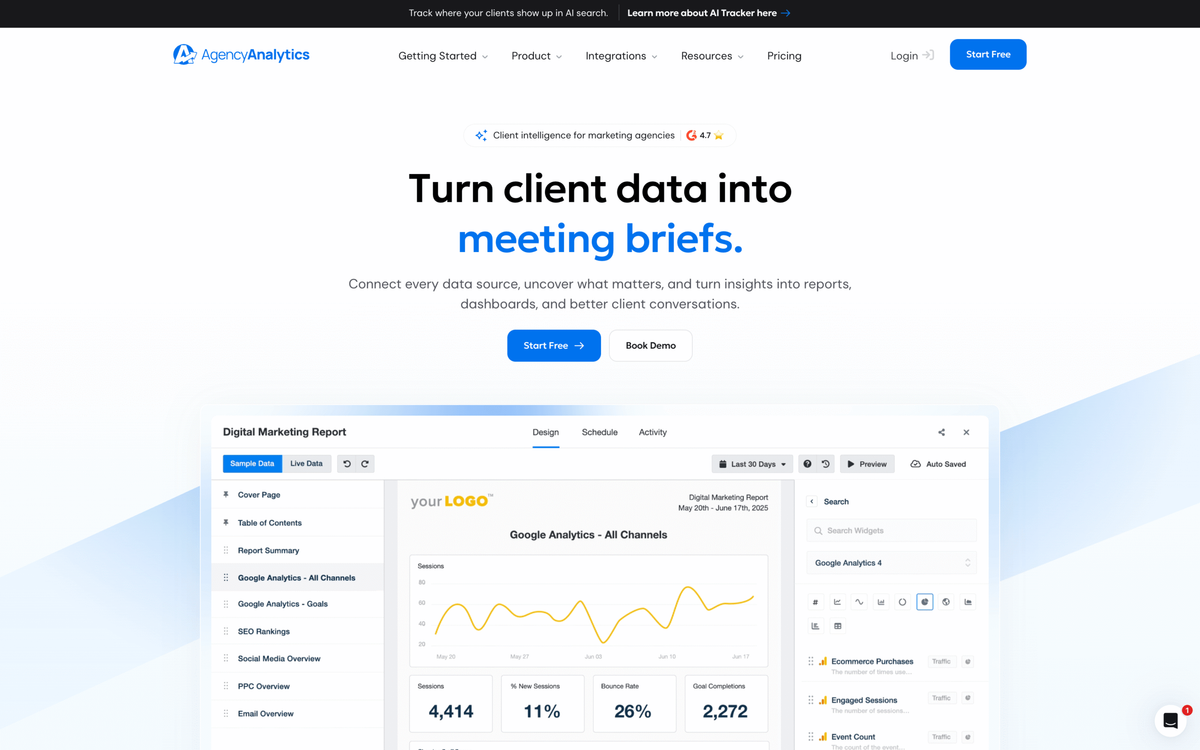
AgencyAnalytics is purpose-built for agencies, with a wide integration library and clean, client-facing dashboards that are easy for a non-technical account manager to assemble. Its built-in SEO tools (rank tracking, backlink monitoring, site audits) sitting next to PPC and social data on one plan are a real draw for agencies running search and paid together.
Pros
- Large integration library covering paid, social, SEO, local, and call tracking
- White-label reporting with custom domains
- Built-in SEO suite (rank tracking, backlinks, site audits)
- Predictable per-client scaling
- Friendly for non-technical users
Cons
- Per-client billing adds up as your roster grows
- A learning curve during initial setup
- Some advanced controls and integrations sit on higher tiers
Pricing
Sold on a per-client basis, from roughly $25 per client per month, or about $20 per client per month billed annually, with a rank-tracker add-on priced separately. 14-day free trial.
Key features
80+ integrations, white-label reports and custom domains, automated scheduling, SEO rank tracking and site audits, client login portals, AI report summaries.
2. DashThis
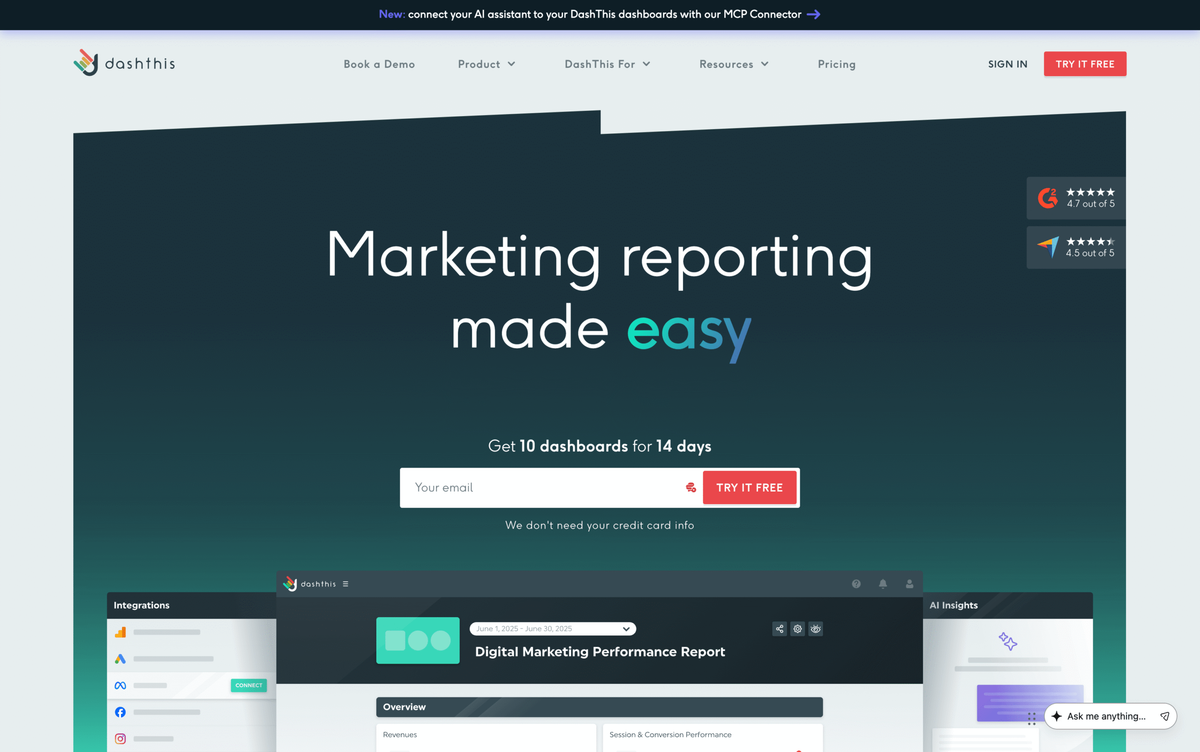
DashThis is the fastest way to go from connected account to a finished, good-looking dashboard. You pick a template, connect your sources, and you have something shareable in minutes. It is deliberately simple, which is exactly why freelancers and small teams like it.
Pros
- Very fast setup with a large template library
- Unlimited users and data sources on every plan
- AI summaries included across all plans
- Genuinely easy for non-technical users
- Transparent pricing
Cons
- A smaller integration list than the biggest competitors
- Dashboard-based tiers can mean paying for headroom you are not using
- Full white-label and custom domains sit on higher tiers
Pricing
From roughly $44 per month billed annually for the entry tier, scaling up by number of dashboards and sources. 14-day free trial.
Key features
30+ integrations, preset templates, dashboard cloning, AI Insights on all plans, white-label options on higher tiers, scheduled email delivery, PDF and link sharing.
3. Analyse8
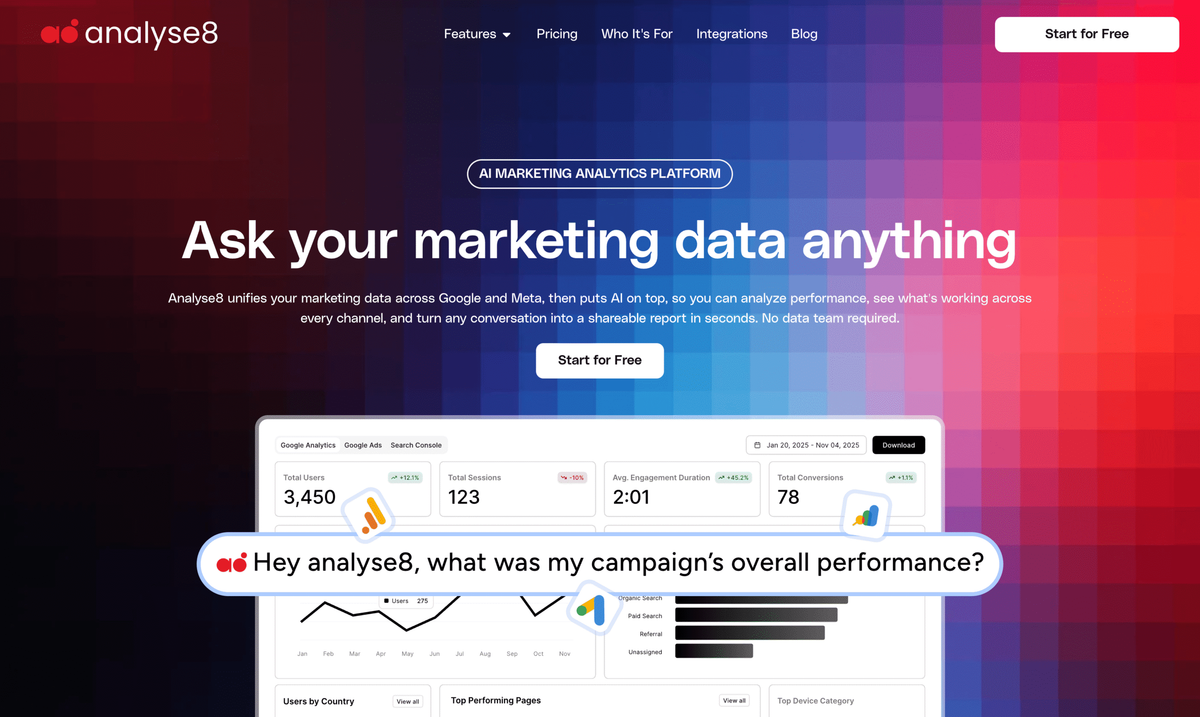
Most tools on this list are built to produce dashboards. Analyse8 takes a different starting point: you ask a question in plain language and get an answer back, drawn from your GA4, Google Ads, Search Console, Meta Ads, Facebook, and Instagram data at once. Its focus is conversational analytics across every channel, so you can ask a question, get an answer pulled from all your data together, and turn it into a shareable report, without building a dashboard first.
That makes it a fit for the person who does not have a data team and does not want to build a dashboard just to answer “which channel actually drove signups last month.” Alongside the conversational analytics, it includes AI Specialist Agents for specific jobs and an optional SEO Tools add-on.
Pros
- Plain-language querying instead of dashboard building
- Cross-channel reporting that brings Google and Meta into one view
- Unifies the core Google and Meta stack in one place
- AI report generation and AI Specialist Agents included
- Shareable reports with PDF and CSV export
- Low entry price with a free trial
Cons
- A newer, independent product with a shorter track record than the established names
- Its integration set is focused on the Google and Meta stack rather than the 80+ connectors some incumbents offer, so teams reporting on many niche platforms may need a broader tool
Pricing
Free trial available. Pro at $40 per month and Business at $150 per month, with an SEO Tools add-on at $10 per month. They are also running a discount offer – use code “launch20” to get 20% off.
Key features
- Conversational plain-language querying across channels
- Cross-channel reporting across Google and Meta (GA4, Search Console, Google Ads, Meta Ads, Instagram, Facebook)
- AI report generation
- AI Specialist Agents
- Shareable reports
40 credits, 1 project, 3 data sources, AI Report Generation, AI Specialist Agents, private reports, and PDF and CSV export. No cost to start. Upgrading to Pro? Use code LAUNCH20 for 20% off.
Try Analyse8 free4. Whatagraph
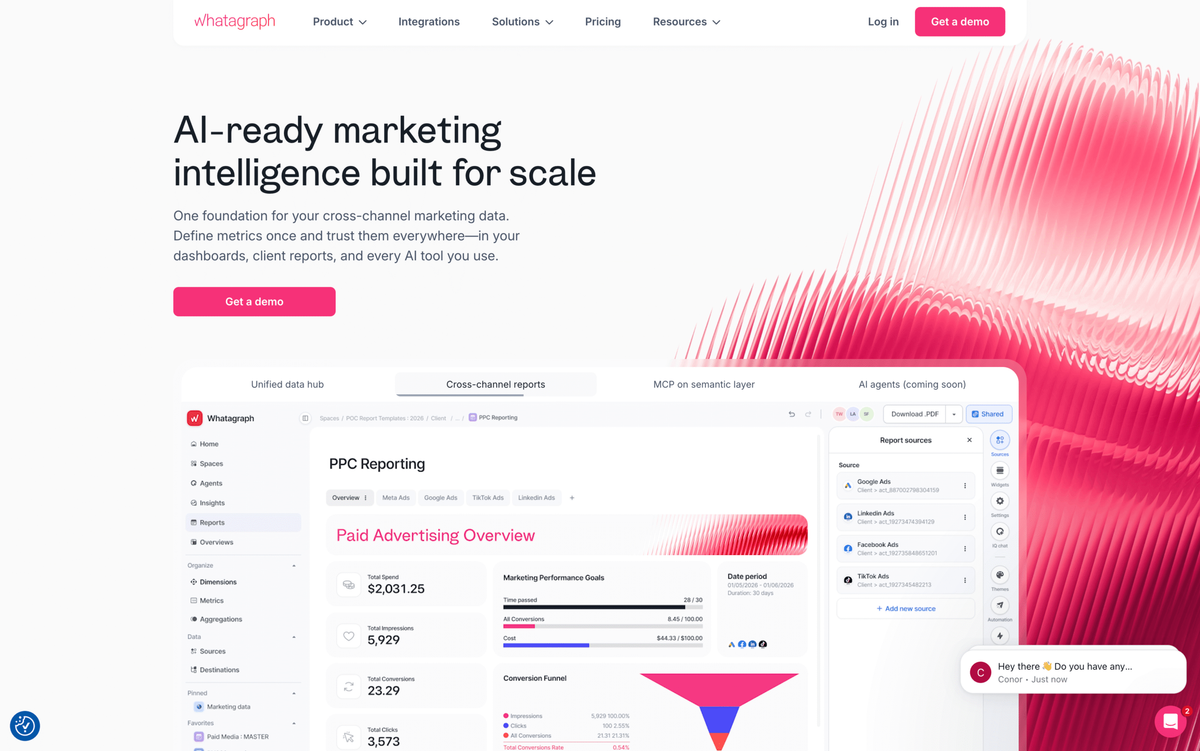
Whatagraph produces some of the best-looking reports in the category and handles cross-channel data blending well. It is aimed at teams that treat the report itself as a client-facing product and have the budget to match.
Pros
- Premium report design
- Native cross-channel data blending
- Unlimited users and reports
- AI-assisted report building
- Dedicated support on paid plans
Cons
- Expensive, with a large jump between tiers
- Annual billing on paid plans
- Source-credit model means costs rise as you connect more accounts
- White-label and several integrations are gated to the higher tier
- No built-in SEO rank tracking
Pricing
Entry tier in the low hundreds per month, with the mid tier that unlocks white-label starting around $812 per month billed annually. Limited free option and a trial available.
Key features
50+ integrations, drag-and-drop builder, reusable report templates, data blending, KPI alerts, white-label on higher tiers.
5. Swydo
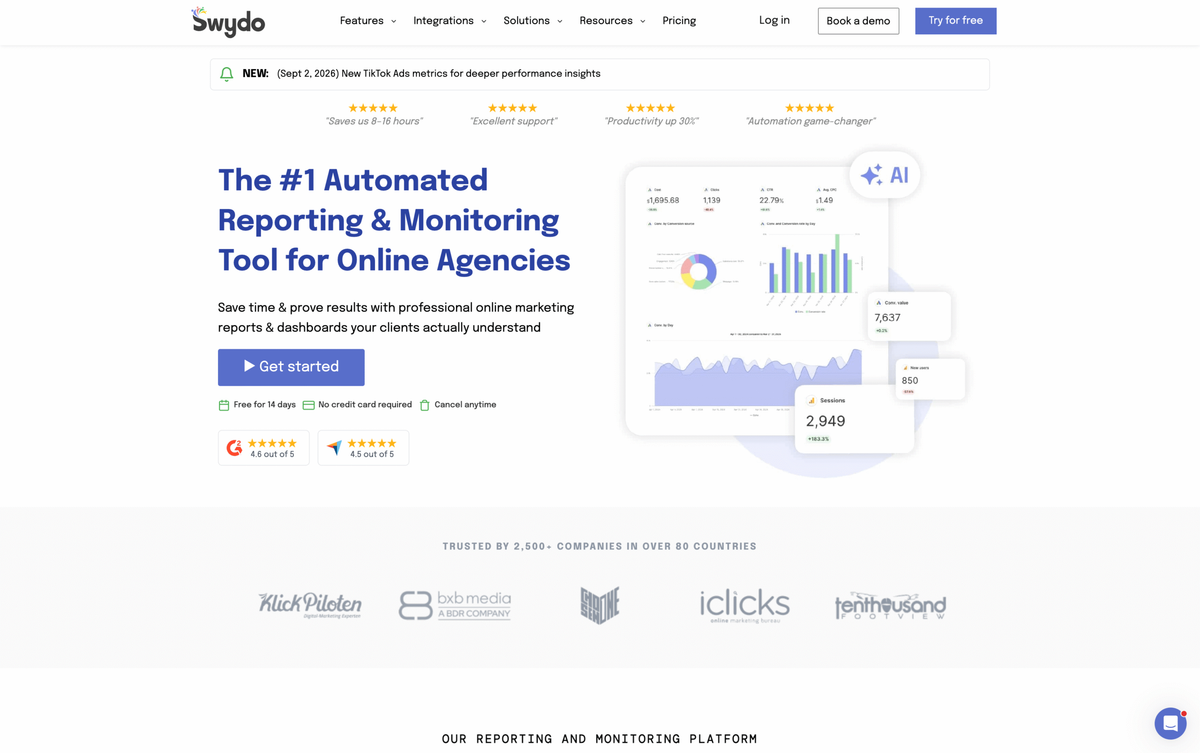
Swydo is a favorite of paid media and social specialists. Its per-source pricing means you only pay for the accounts you actually connect, and every feature is available on every plan, so you are never upsold on capability.
Pros
- Simple single-plan structure with all features included
- Unlimited users, clients, and reports
- Pay only for active data sources
- Strong automation and scheduled reporting
- Real-time error alerts
- Affordable entry point
Cons
- Per-source billing compounds as you add accounts
- A narrower integration set focused on ads and social
- No native ecommerce support
Pricing
From about $62 per month billed annually including 10 data sources, with a lower per-source rate as you add more. 14-day free trial, no card required.
Key features
35+ integrations, customizable branded reports, scheduled delivery, KPI and goal tracking, live and PDF reports, error alerts.
6. Databox
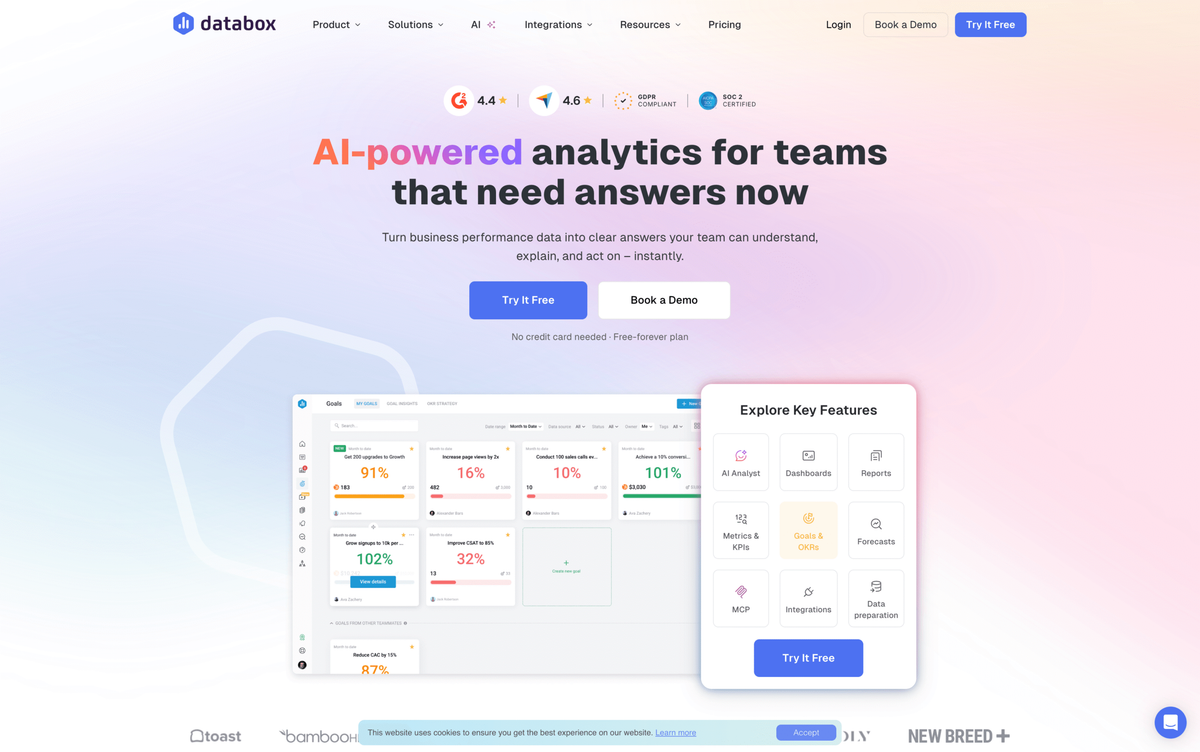
Databox sits between a marketing reporting tool and a light business intelligence suite. It is strong on live monitoring, goal tracking, and benchmarking, which makes it a good fit when you want business KPIs and marketing data side by side.
Pros
- Wide integration library
- Unlimited users on paid plans
- AI summaries, forecasting, anomaly detection, and benchmarking
- Strong mobile app
- Goal and OKR tracking
Cons
- Steep jump from free to paid
- A per-source model with a low included count, so overages add up
- White-label is a separate paid add-on
- Advanced features gated to higher tiers
Pricing
A limited free plan, with paid plans commonly cited from around $79 per month and rising by feature tier, plus per-source overages and a white-label add-on. Billed annually for best rates.
Key features
100+ integrations, unlimited dashboards, AI summaries, forecasting, anomaly detection, benchmarking, goal tracking, warehouse connections on higher tiers.
7. Google Looker Studio (Now Data Studio)
Looker Studio is Google’s free dashboard builder, and for a Google-heavy stack it is genuinely powerful. Native connectors for GA4, Google Ads, Search Console, and Sheets are free and first-class. The catch is everything outside the Google world.
Pros
- Free core product with unlimited reports and users
- Deep, free native Google connectors
- Flexible custom visualizations
- Gemini-assisted features added in 2026
Cons
- A real learning curve
- Non-Google data needs paid third-party connectors that add up quickly
- Performance can degrade on large datasets
- Limited native blending
- No white-label
- Self-service support only on the free tier
Pricing
Free. A Pro tier at roughly $9 per user per project per month adds governance and team features. Third-party connectors are priced separately.
Key features
Hundreds of connectors via the community and third parties, drag-and-drop builder, custom styling, Gemini AI assistance, direct-query.
8. Google Analytics 4 (GA4)
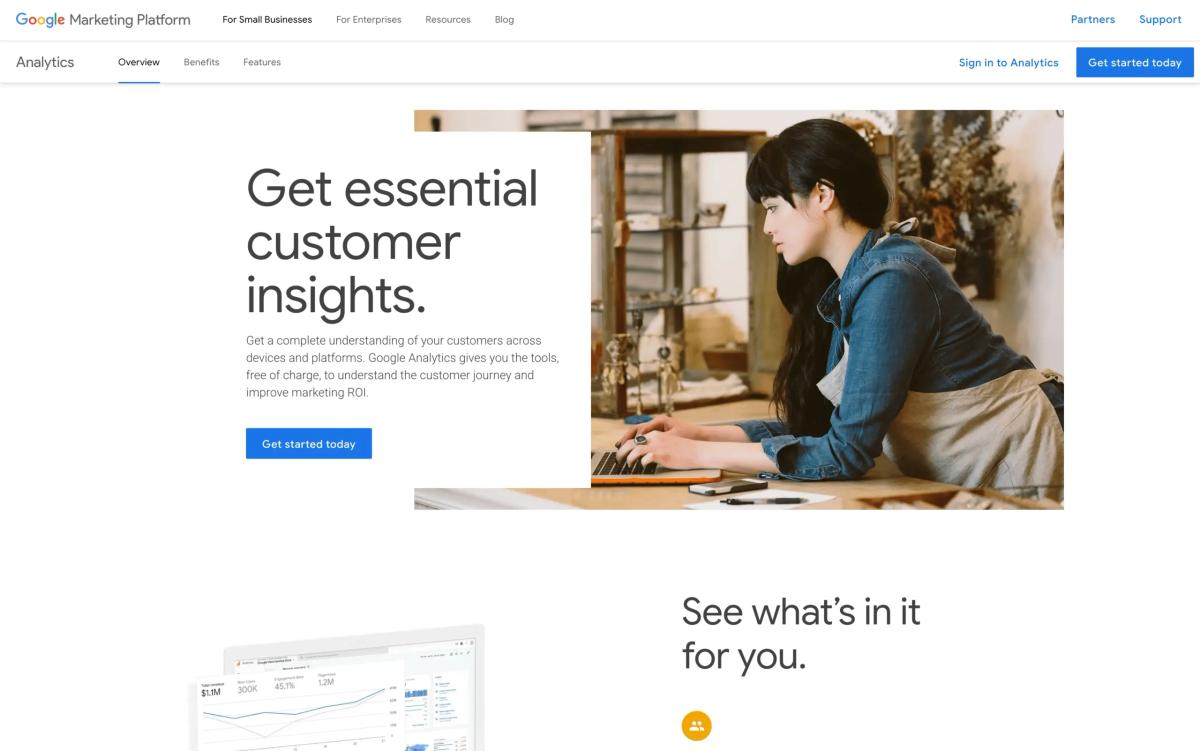
GA4 is the free foundation almost everyone builds on. It is not a multi-channel reporting tool, but as your core web and app analytics layer it is hard to beat on price and depth, especially paired with a reporting tool for the client-facing output.
Pros
- Free for the vast majority of businesses
- Event-based tracking across web and app
- Deep Google Ads, Search Console, and BigQuery integration
- Free raw-data export to BigQuery
- Predictive metrics and Gemini-powered conversational features
Cons
- A steep learning curve and an unforgiving interface
- Requires proper implementation to be trustworthy
- Data retention and sampling limits
- No dedicated support
- Single-property focus, so it is not built for reporting across many accounts
Pricing
Free (GA4 Standard). The enterprise 360 tier is priced for large organizations.
Key features
Event-based tracking, acquisition and engagement reports, explorations, audiences, attribution, predictive metrics, BigQuery export, conversational AI assistant.
9. Supermetrics
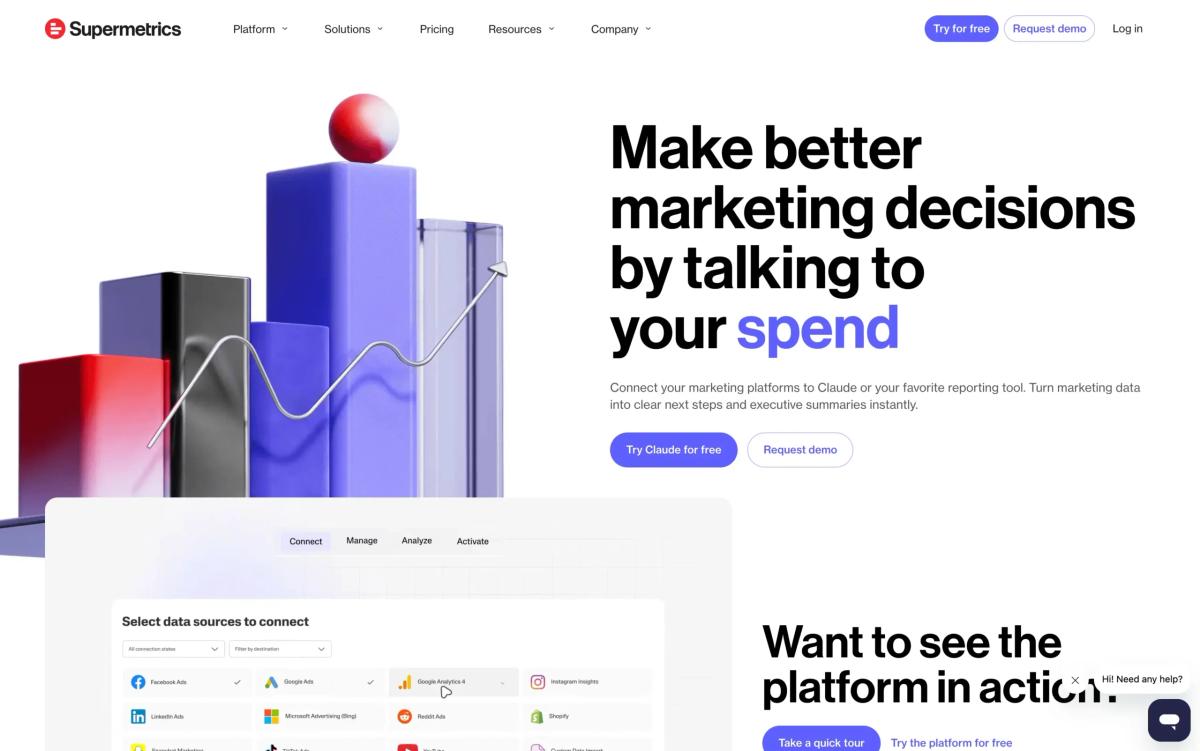
Supermetrics is a data pipe, not a dashboard tool. It reliably moves marketing data from a very wide set of sources into Sheets, Excel, Looker Studio, or a warehouse, where you build whatever you want on top.
Pros
- Very large connector library
- No data-volume fees
- Reliable spreadsheet connectors
- Feeds Looker Studio, BI tools, and warehouses
Cons
- It is not a reporting tool on its own
- It can get expensive and complex
- Charges per destination, so sending the same data to two places can mean paying twice
- Per-source and per-user add-ons stack up
Pricing
Entry tier around $39 to $49 per month, rising steeply with sources, users, and destinations. 14-day free trial.
Key features
150+ connectors, transfers to spreadsheets, BI, and warehouses, scheduled refreshes, data transformations.
10. Improvado
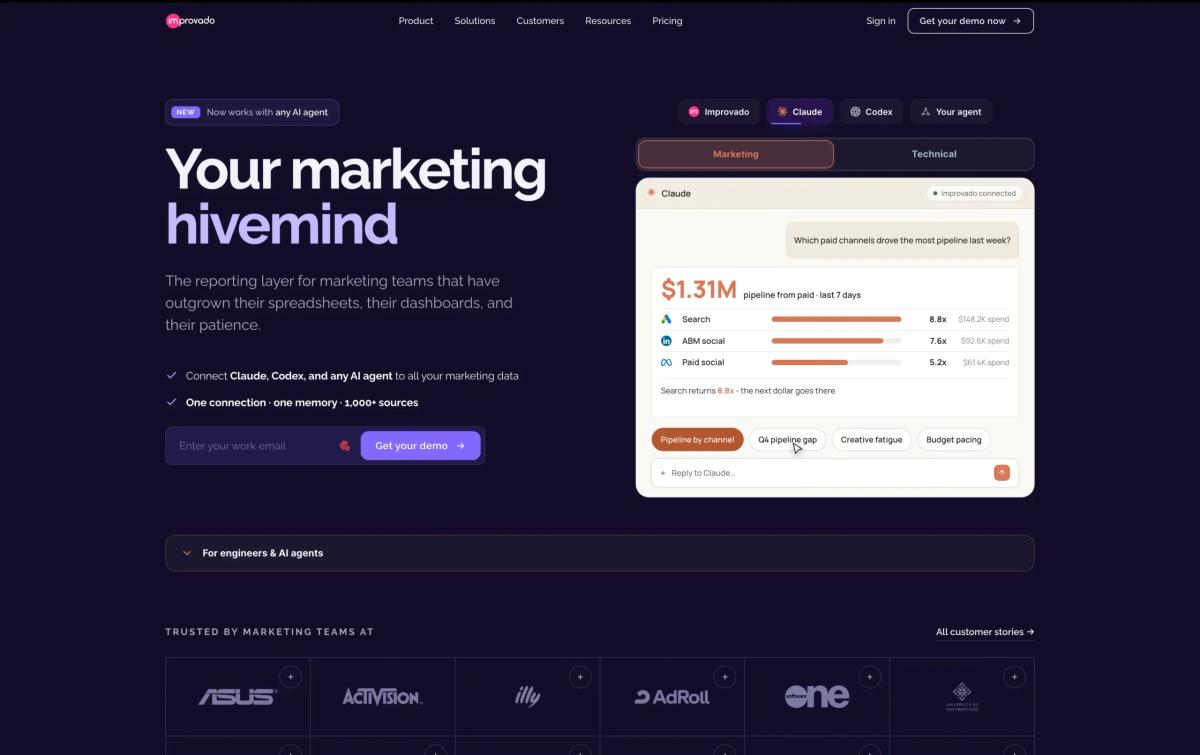
Improvado is the option you grow into, not the one you start with. It handles many sources without a data engineer and adds governance, transformation, and attribution, which is overkill for a freelancer but valuable for a larger operation.
Pros
- Very large connector library
- Handles many sources without a dedicated engineer
- Strong governance, transformation, and attribution
- AI agent for conversational analytics
- Volume-based pricing not capped by source or user count
Cons
- Enterprise-oriented and expensive
- Requires a sales conversation
- Overkill for small teams and freelancers
- A learning curve for advanced features
Pricing
Custom, quote-based, and volume-driven. Limited free plan is also available.
Key features
500+ connectors, pipelines to warehouses and BI, transformation and governance, marketing attribution, conversational AI agent, dedicated support.
Quick comparison
| Platform | Best for | Starting price | Pricing model | White-label | Conversational AI |
|---|---|---|---|---|---|
| AgencyAnalytics | Agency client reporting plus SEO | ~$20 per client per month (annual) | Per client | Yes | Summaries |
| DashThis | Fast dashboards for small teams | ~$42 per month (annual) | Per dashboard | Higher tiers | Summaries |
| Analyse8 | Conversational analytics plus cross-channel reporting | Free trial, then $40 per month | Flat tier plus credits | Roadmap | Yes, native |
| Whatagraph | Polished multi-channel reports | Low hundreds per month | Per source credit | Higher tier | Assisted |
| Swydo | Focused paid and social work | ~$62 per month (annual) | Per data source | Yes | Summaries |
| Databox | KPI and goal tracking | ~$79 per month | Per source plus tier | Add-on | Summaries |
| Looker Studio | Free Google-stack dashboards | Free | Free plus connectors | No | Assisted |
| GA4 | Free base analytics | Free | Free | No | Assisted |
| Supermetrics | Data pipeline to Sheets and BI | ~$39 per month | Per destination | N/A | No |
| Improvado | Larger, data-heavy operations | Custom quote | Volume-based | Yes | Yes, agent |
All prices are indicative and change often. Confirm current figures on each vendor’s pricing page before relying on them.
How to pick the right one for you
If you are a solo freelancer or on a tight budget: Start with GA4 plus Looker Studio for anything Google-centric. Add DashThis when you need polished output fast, or try the Analyse8 free trial if you would rather ask questions in plain language and get answers across every channel without building anything.
If you run a small agency with a growing roster: Default to AgencyAnalytics for white-label reporting plus SEO, or Swydo if your accounts use a focused set of channels and per-source pricing works in your favor. Choose Whatagraph if report design is a selling point and the budget is there.
If you are an in-house team or business owner: Databox suits KPI and goal tracking, Looker Studio plus a connector suits build-your-own dashboards, and Analyse8 suits teams that want answers in plain language and confidence that Google and Meta figures agree.
If you have outgrown the lighter tools: Look at Supermetrics to own your data layer, or Improvado for governed pipelines and attribution at scale.
If the recurring headache is exporting data and rebuilding the same report every month, that is exactly the gap Analyse8 was built to close. Connect your channels, ask a question in plain language, and get an answer drawn from all your data across Google and Meta, plus shareable, client-ready reports.
Get started for freeFrequently asked questions
What is a marketing analytics platform?
It is software that connects to your marketing channels, pulls the data automatically, and helps you measure performance and report on it without manual exports. Some focus on dashboards, some on data pipelines, and a newer group lets you query your data in plain language.
What is the best free marketing analytics platform?
For most people it is GA4 for core web and app analytics, paired with Looker Studio for free dashboards on a Google-heavy stack. Several paid tools, including Analyse8, also offer a free trial so you can test them on your own data first.
What is the difference between a reporting tool and an analytics platform?
A reporting tool automates the delivery of dashboards and scheduled reports. A broader analytics platform helps you dig into why numbers moved, and increasingly lets you ask questions directly. Some tools do both.
Why do my numbers never match across Google and Meta?
Each platform measures conversions with its own attribution windows and models, and privacy changes have reduced the shared signal between them, so the same event gets counted differently. The practical fix is not to force the numbers to be identical, but to view every channel side by side in one place so you understand why they differ and can still make a confident call.
How much should a small team expect to pay?
Anywhere from free to several hundred dollars a month, depending on the tool and how it bills. The billing model matters as much as the headline price, so calculate your cost at your real account count, and again at where you expect to be in a year, before committing.